Cut To It
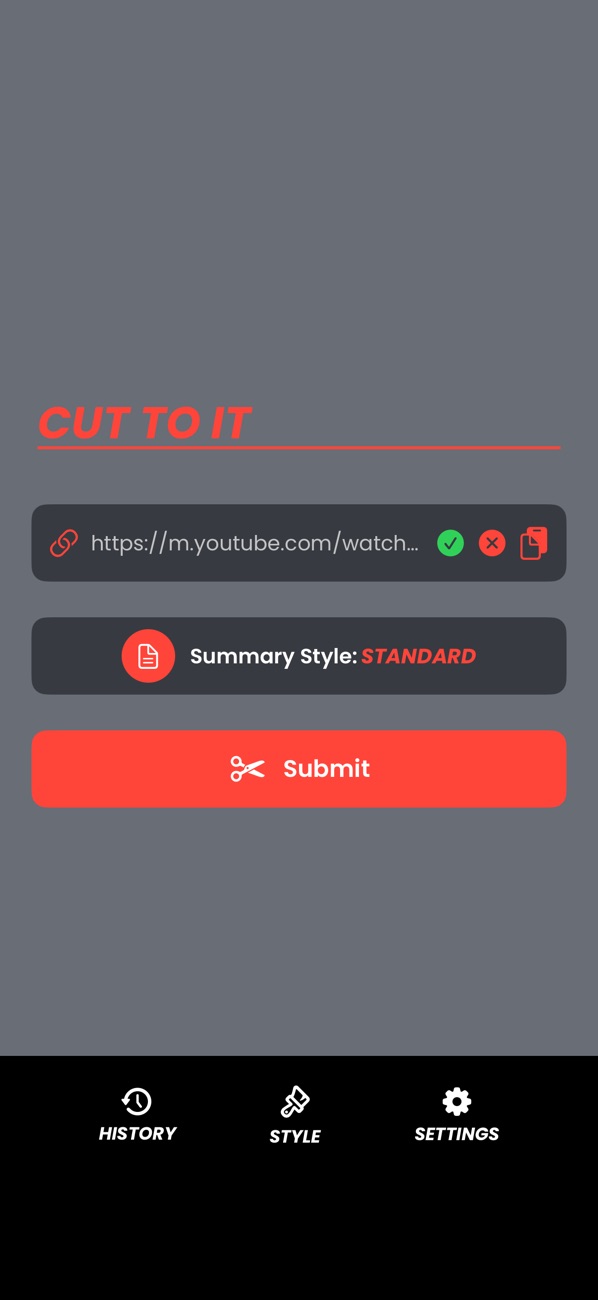
Cut To It is a free iPhone and iPad app that summarises YouTube videos. Paste a link or share one from the YouTube app, pick a style, and read the main points in seconds. There's no account or subscription.
01 / what it doesios + ipados app
How do you summarise a YouTube video on iPhone?
Give Cut To It the link. It summarises what's said in the video, in the style you picked.
It works best on videos where the talking matters: lectures, explainers, product demos, long talks and news. If a video can't be summarised, the app says so instead of guessing.
What the app sends
It sends the link, the style you picked and a random ID used for fair-use limits. There's no account and nothing that identifies you. The privacy policy has the details.
02 / how it worksthree steps
How to use Cut To It
-
01
Add a link
Paste a YouTube link, or tap Share in the YouTube app and choose Cut To It.
-
02
Pick a style
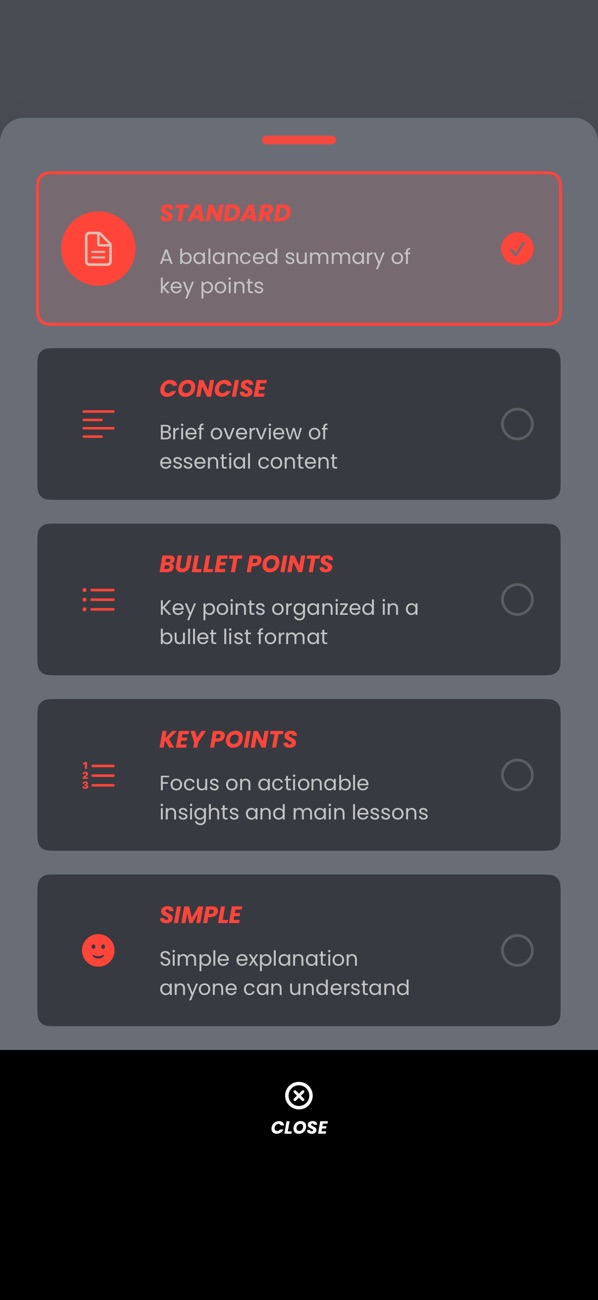
Choose one of five summary styles, from a short overview to a bullet list.
-
03
Read
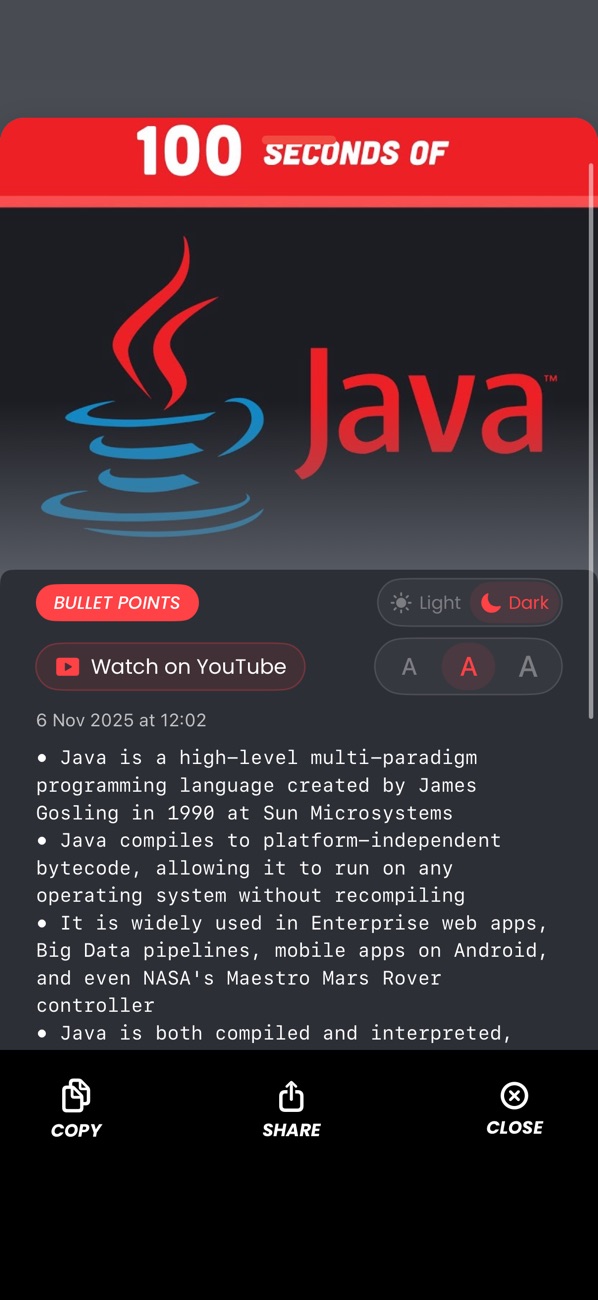
The summary arrives in seconds. Copy it, share it, or come back to it in your history.
03 / featuresdetails
Features
- StandardA balanced summary of the key points.
- ConciseA brief overview of the essential content.
- Bullet PointsThe main topics as a scannable list.
- Key PointsThe actionable insights and main lessons.
- SimpleA plain explanation anyone can follow.
- Share from YouTubeSend a video straight from the YouTube app, without copying the link.
- History on your devicePast summaries stay on your device, not our servers. Delete them whenever you like.
- Comfortable readingLight or dark reading view, and adjustable text size.
04 / faq4 questions
Cut To It questions
Is Cut To It free?
Yes. Cut To It is free to download with no subscription and no in-app purchases. It's supported by a banner ad.
Do I need an account?
No. There's no sign-up, and your history stays on your device. Delete any of it whenever you like.
Does it work on every video?
It works with public YouTube videos. Summaries come from what's said, so talks, lessons and explainers work best.
Is Cut To It made by YouTube?
No. Cut To It is an independent app by cursedworks. It isn't affiliated with or endorsed by YouTube or Google. YouTube is a trademark of Google LLC.